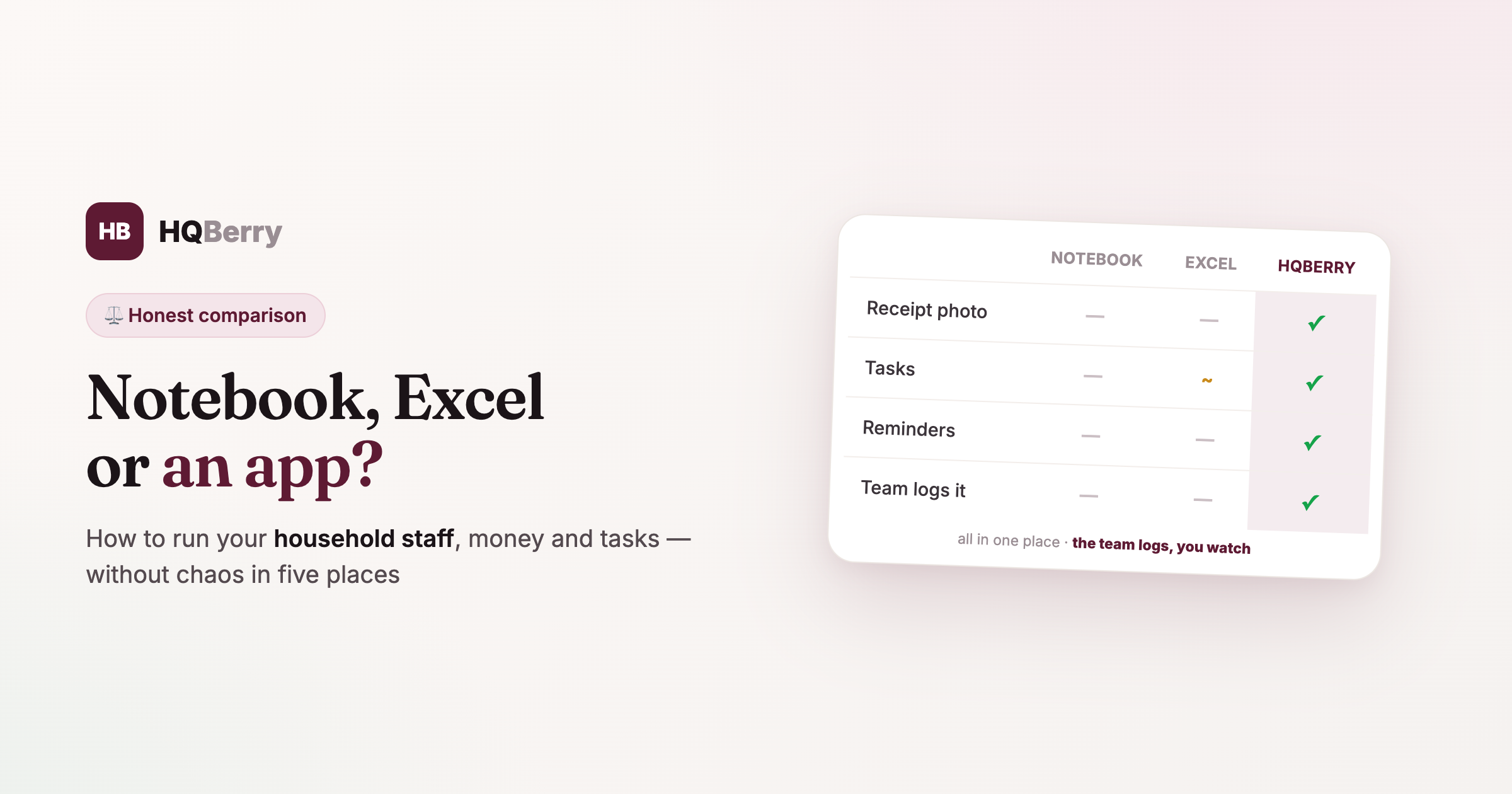
Notebook, Excel or an App for Household Staff in 2026: an Honest Comparison
As soon as your home has more than one helper — an assistant, a driver, a housekeeper, a nanny — a simple question comes up: where do you keep all of it? Who's supposed to do what, how much cash you handed out, where the money went, what was bought, what's overdue. Small things on their own; together, a flow that has to live somewhere.
There are really five options: in your head, in a notebook, in phone notes, in Excel, or in a dedicated app. Each has its price and its ceiling. Below is an honest comparison: where each one is genuinely enough, and where it breaks. No "an app is always better" — sometimes a notebook is plenty, and that's fine.
In short: what to choose
If you've no time to read — here's the takeaway, and we'll unpack why below:
- One person, a couple of expenses a month — a notebook or notes will do.
- You like spreadsheets and do the maths yourself — Excel.
- Several people, with money + tasks + rules together, and you want them logged for you — a dedicated app.
The real divide isn't "convenience" but how many people and how many flows you're running. The more there are, the faster the simple methods turn into chaos.
1. In your head and out loud
How it works. You record nothing — you keep it in memory and say it out loud.
Who it's for. One visiting person with a couple of errands.
Pros. Zero effort.
Cons. Memory fails, agreements get lost, there's no one to hold to account ("I didn't say that" vs "I didn't hear that"). The money doesn't add up because nobody counted it. With two people this method breaks in the first week.
2. A notebook
How it works. You write expenses and errands down by hand.
Who it's for. Tracking the expenses of one person, if that's comfortable for you.
Pros. Simple, on hand, nothing to set up.
Cons. Not searchable (flip through 40 pages looking for "when did we pay the water bill"). Gets lost and wet. No receipt photo — just your "as told" note. No one but you sees it or keeps it. And it won't remind you about a service, insurance or payroll.
3. Phone notes and a messenger
How it works. Errands go in a chat, expenses in "Notes", something into Telegram saved messages.
Who it's for. A couple of one-off errands.
Pros. Always with you, quick to jot down.
Cons. All mixed up and unstructured. Errands drown in the chat among memes and voice notes. No expense tracking, totals or categories. A month later finding something specific is nearly impossible, and working out "how much went out in May" simply can't be done.
4. Excel or Google Sheets
How it works. You set up a sheet with expenses, tabs per person, formulas for totals.
Who it's for. People who like spreadsheets and are willing to build and maintain them.
Pros. Flexible, totals up, "made to fit", and Google Sheets is free on top of that. For plain expense tracking of one or two people it's a working option.
Cons. The sheet has to be built and constantly maintained — that's a job of its own. No receipt photo, no reminders, no roles or permissions. Most of all — the employee won't enter into it: opening a sheet full of formulas on a phone and not breaking it is no fun, so it all lands back on you. And tasks, instructions and people live separately, in other files.
5. A dedicated app (HQBerry, for example)
How it works. Staff, expenses, cash on account, tasks, reminders and rules — in one place, with each person's own access from their phone.
Who it's for. When there are several people and you need to run money, tasks and rules together rather than in five different places.
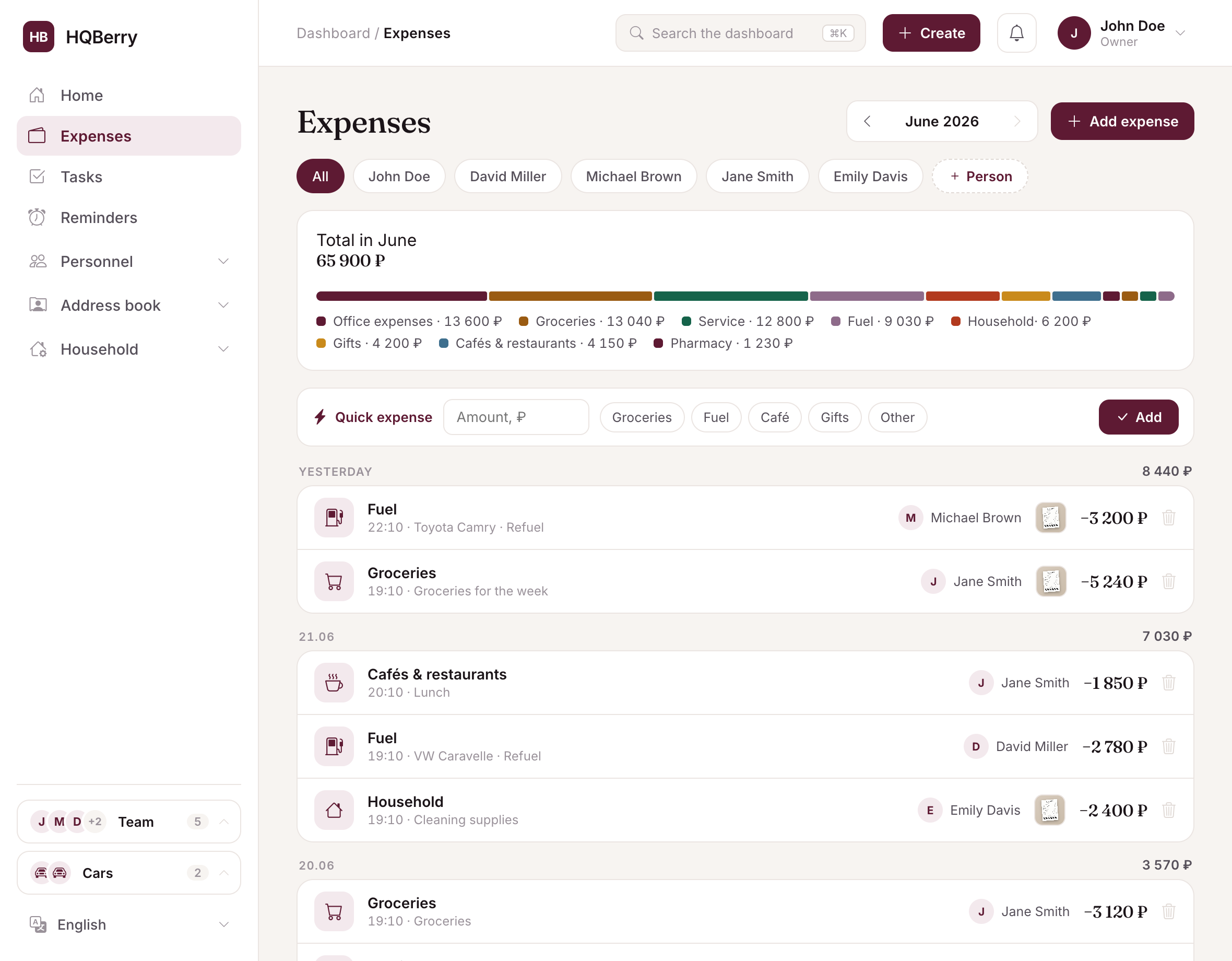
Pros. An expense goes in with a receipt photo in ten seconds, cash is kept on account with a running balance, tasks don't get lost, job descriptions are written once, reminders (birthdays, service, payroll) arrive on their own, and analytics show where the money goes. Most of all — the employee logs it themselves, because that's easier than not logging it. The team logs, you watch.
Cons. It's one more service: it needs internet and a smartphone, you have to set up the team and get used to it. It's free now, but a paid plan will appear later. And if you have one visiting person and two expenses a month — an app is overkill, a notebook is enough. The value kicks in where there are many flows.
Comparison table
An app has weak spots too — it won't work offline, and it has to be set up. So the table shows not only where it wins, but also where a notebook or Excel is honestly better.
| Capability | Notebook | Notes | Excel | HQBerry |
|---|---|---|---|---|
| Expense log | ✓ | ~ | ✓ | ✓ |
| Receipt photo | — | ~ | — | ✓ |
| Cash on account, auto balance | — | — | ~ | ✓ |
| Tasks & errands | ~ | ~ | ~ | ✓ |
| Reminders (service, birthdays, payroll) | — | — | — | ✓ |
| Totals & analytics | — | — | ✓ | ✓ |
| Employee logs it themselves | — | — | — | ✓ |
| Access & roles | — | — | ~ | ✓ |
| Works offline | ✓ | ✓ | ✓ | — |
| Nothing to set up | ✓ | ✓ | — | ~ |
| Free with no limits | ✓ | ✓ | ~ | ~ |
✓ yes · ~ partial or manual · — no. A notebook and notes win on simplicity and working offline, Excel on flexible maths, an app when there are many people and flows.
How to choose for your situation
Not "what's best in general", but what fits you:
- One person, expenses only → notebook or Excel. Don't overcomplicate.
- You like doing the maths yourself and don't need employee access → Excel.
- Two or more people, or you need to run not just money but tasks, rules, cash → an app. This is exactly where spreadsheets and notebooks start to fall apart.
- You want the team to log things too, not just you → only an app: an employee won't keep a notebook or Excel.
A simple test: if you've ever caught yourself thinking "I can't remember whether I gave him money" or "where did that note go" — you've outgrown the notebook.
Why it matters at all
It's not about tidiness for its own sake. When staff and their expenses aren't gathered anywhere, you lose not only money (cash that doesn't add up, lost receipts) but time — on holding it all in your head and asking again. A good tool gives both back: the data keeps itself, and you're left to watch for deviations.
If you decide to try an app — in HQBerry staff, money, tasks and rules are gathered in one place, and the AI assistant Berry will log an expense or set a task from a plain phrase. But you can start small: even the "Expenses" section alone closes most of the "where did the money go" question.
Frequently asked questions
Where do I keep track of household staff? It depends on scale. One person with a couple of expenses can manage with a notebook or Excel. If there are several people and you need to run money, tasks and rules together — a dedicated app is more convenient, where everyone has their own access and the employee logs data themselves.
Can I track employee expenses in Excel? Yes, for one or two people it's a working option. The downsides: the sheet has to be built and maintained yourself, there's no receipt photo or reminders, and an employee almost certainly won't enter expenses into a sheet on a phone — it all lands on you.
What can replace a notebook for expense tracking? If the notebook stopped being enough (not searchable, gets lost, no one but you keeps it), the next step is Excel (if you do the maths yourself) or an app (if you need employee access, receipts, tasks and reminders in one place).
Which app should I choose for managing household staff? Look for one that has, in a single place: expenses with a receipt, cash on account, tasks, reminders and employee access from a phone — otherwise you'll end up with "five different places" again. HQBerry brings this together; you can start for free.
What if I only have one helper? Then don't overcomplicate it: a notebook or notes may be enough. It makes sense to move to an app when there are several people, or when money and tasks grow beyond what's comfortable to keep in your head.